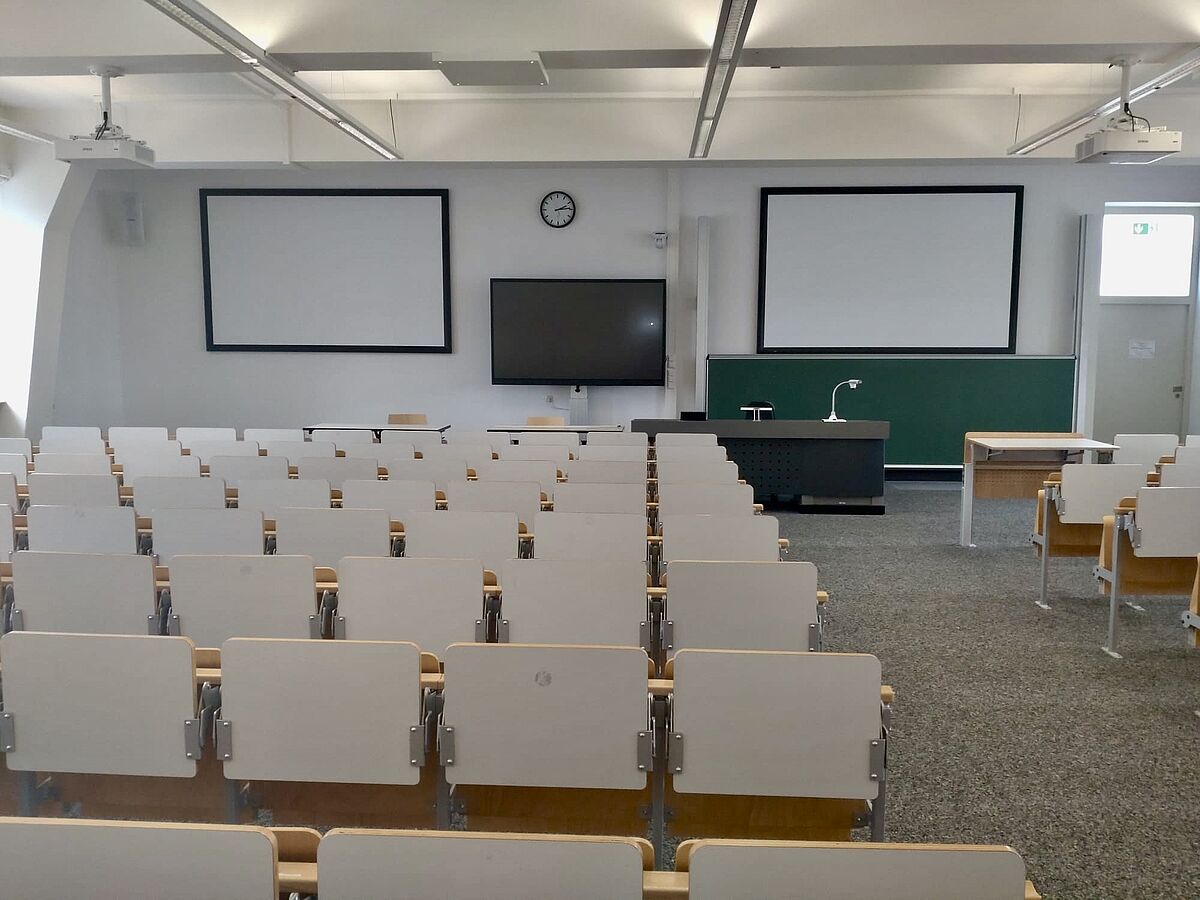
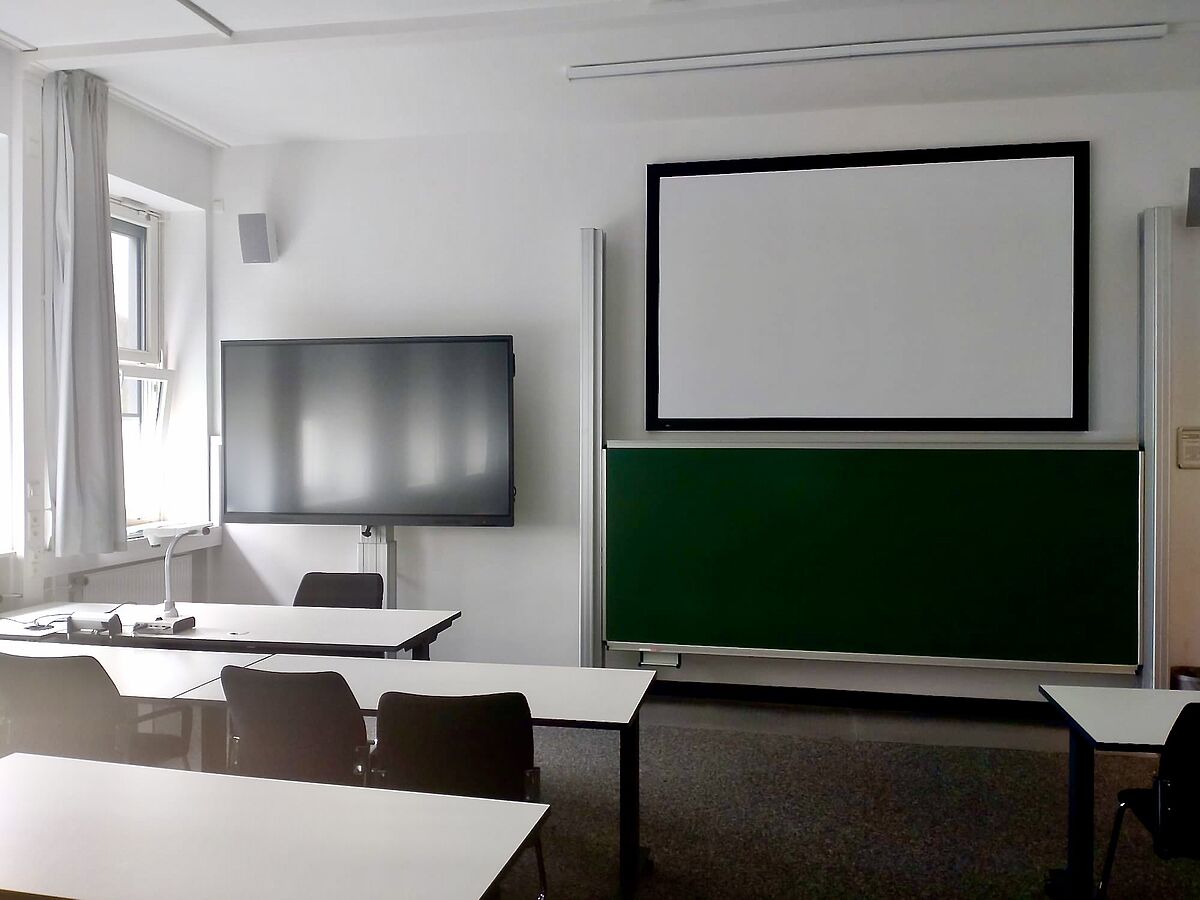
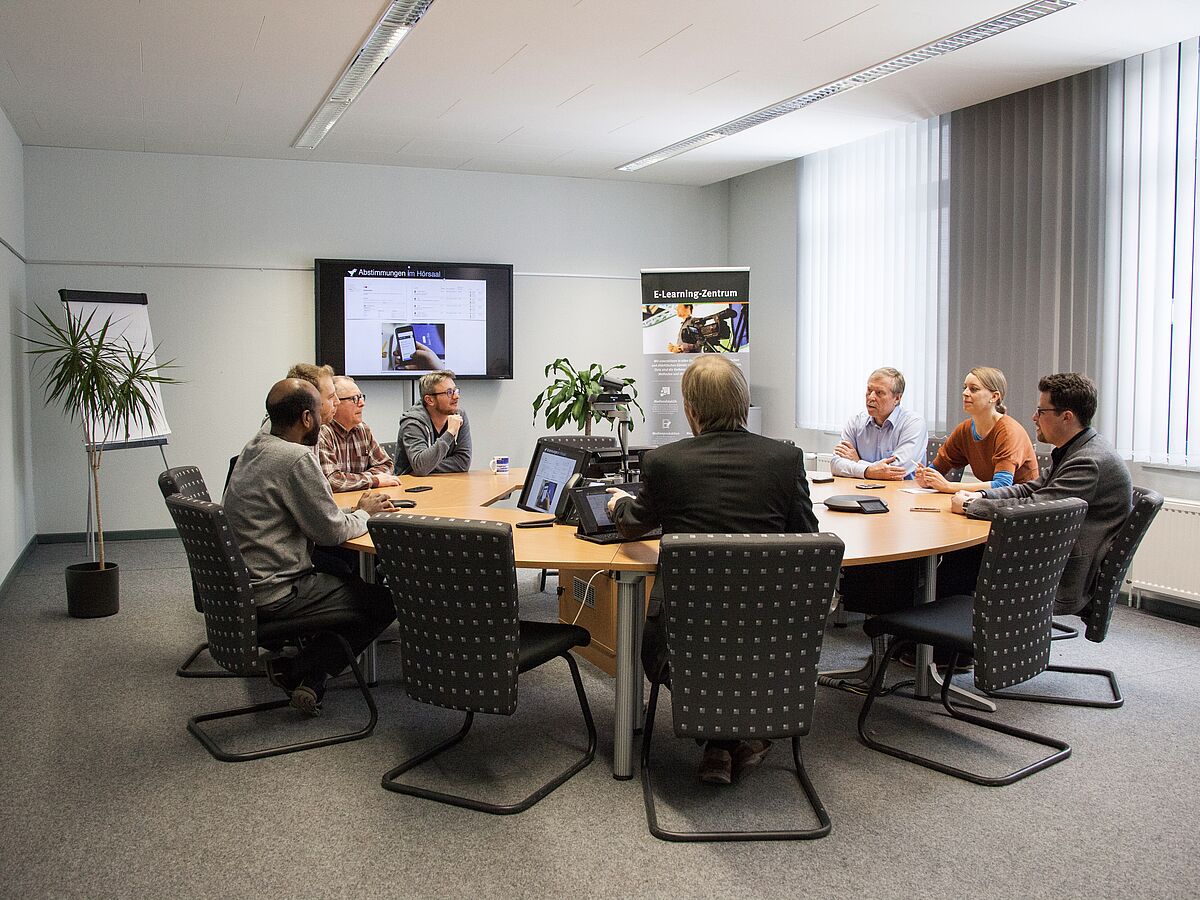
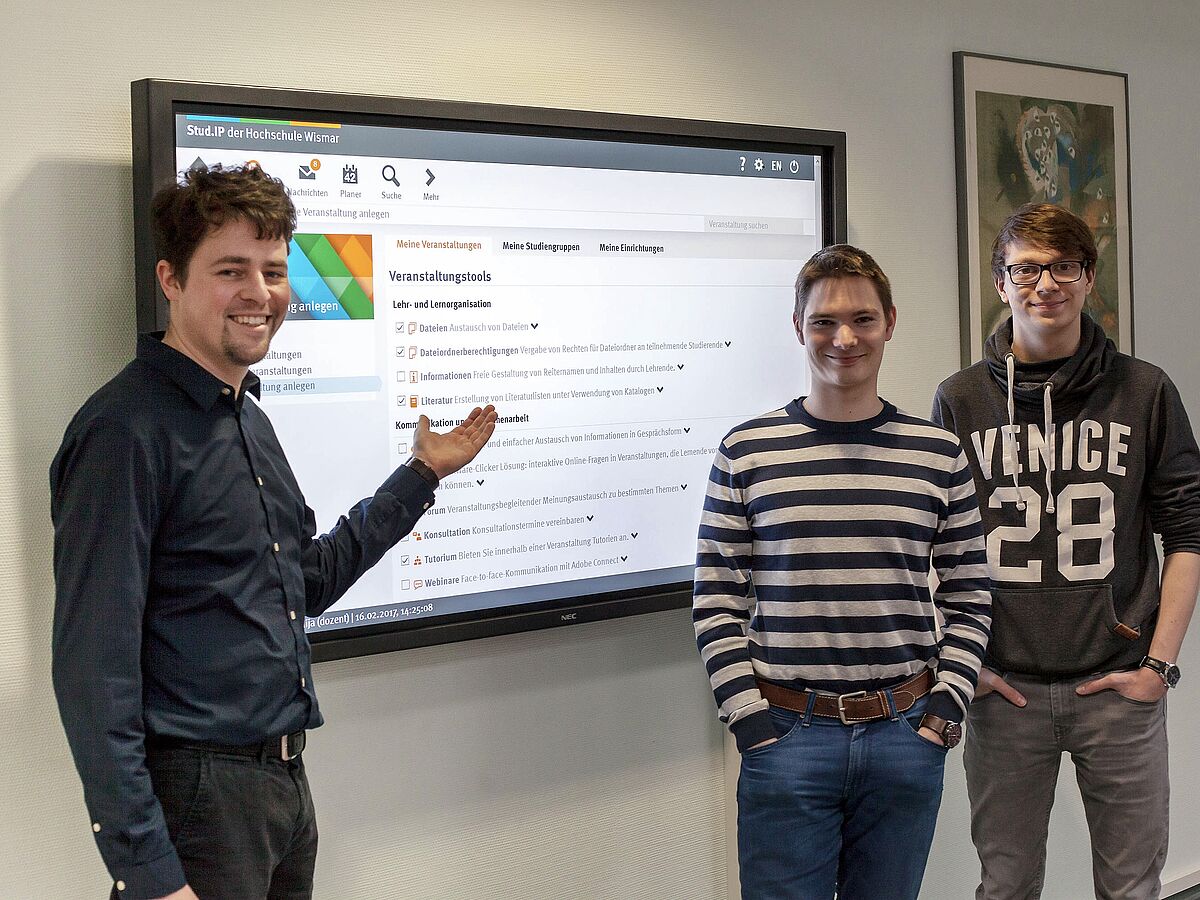
Modern teaching at Wismar University of Applied Sciences takes place both on campus and online – our digital teaching and learning spaces seamlessly combine the two. Uniformly equipped lecture halls, seminar rooms and huddle rooms, together with closely integrated learning platforms, enable lecturers to provide content easily on demand and allow students to participate regardless of location. This keeps the focus on high-quality teaching and active learning, while intuitive technology and reliable support work quietly in the background.
How we understand digital teaching and learning spaces
Modern teaching and learning no longer take place only on campus. In addition to our locations in Wismar, Warnemünde and Malchow on the island of Poel, Wismar University of Applied Sciences also offers online and hybrid learning formats. Our goal is to make as many learning resources as possible available on demand – supported by the necessary technical infrastructure that supports teachers and students. “Digital learning environments” encompass the hardware and software infrastructure across our various spaces – including lecture halls, seminar rooms, and huddle spaces. Our digital learning platforms are seamlessly integrated with the on-site technology to enable a flexible and engaging hybrid learning experience.
A key objective is to provide a consistent and intuitive user interface across all teaching spaces.
To support this, we have developed technical guidelines that guide the expansion of additional digital teaching and learning spaces and ensure a high level of standardisation. This allows you to focus on content, interaction and didactics – not on the technology. Should any questions arise, each room clearly displays our contact details for support and feedback, along with a brief user guide.
Our teaching spaces are based on the “Bring Your Own Meeting” (BYOM) concept. This allows you to conduct video conferences across platforms and flexibly connect your own devices. Lecture halls are additionally equipped with BYOM+: a dedicated PC with the required technology is provided, enabling recording and streaming directly via Stud.IP.
We rely on modern, automated camera systems that can be activated as needed.
In meeting rooms and huddle rooms, autoframing ensures that all participants present are automatically captured in the frame. Seminar rooms and selected lecture halls offer predefined camera presets that can be activated at the push of a button. In newer lecture halls, additional features such as auto-tracking or speaker tracking are available, automatically following the presenter and providing an optimal view for both on-site and online participants.
The concept is rounded off by standardized monitoring and administration solutions. They enable us to operate the digital teaching and learning spaces reliably and to continuously improve them—so you can easily explore and further develop new teaching and learning formats.